Wedding Budget Spreadsheet: How to Set One Up (With a Sample Budget)
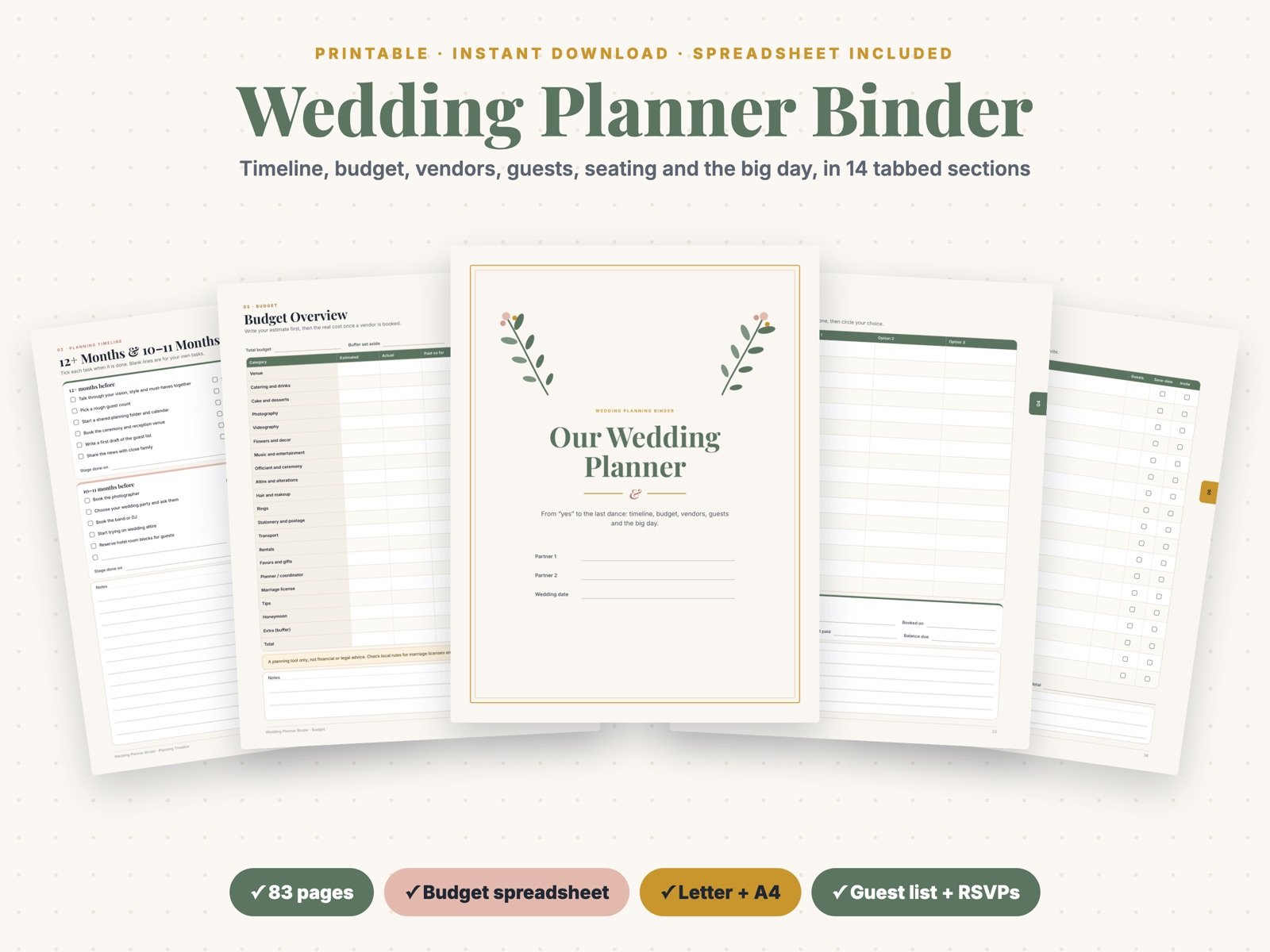
A wedding budget spreadsheet is a simple table that lists every wedding cost, what you plan to spend, what it really costs and what you still owe. Set it up before you book anything. The venue and the guest count decide most of your other costs, so the spreadsheet helps you make those two big choices with real numbers in front of you.
Step 1: Pick your total and your guest count
- Agree on one total number. Add up what the two of you can save and anything family has offered. Get offers in writing, or at least in a text, so there are no surprises later.
- Set aside a buffer. Keep about 10% of the total as "extra". Something always costs more than planned.
- Pick a rough guest count. Many costs are charged per guest: food, drinks, chairs, linens, invitations and favors. Every extra table adds up.
Step 2: Set up the columns
You only need a handful of columns. Put one category on each row.
| Column | What goes in it |
|---|---|
| Category | Venue, catering, photography and so on |
| Estimated | Your best guess before you get quotes |
| Actual | The real price once you book |
| Planned | The actual cost if you know it, otherwise the estimate |
| Paid so far | Deposits and payments made |
| Still owed | Planned minus paid |
| Next due date | When the next payment is due |
Two simple formulas do most of the work. If Estimated is column B and Actual is column C, the Planned cell is =IF(C2="",B2,C2). If Paid is column E, Still owed is =D2-E2. Add a total row at the bottom with =SUM() for each money column, then compare the Planned total with your budget.
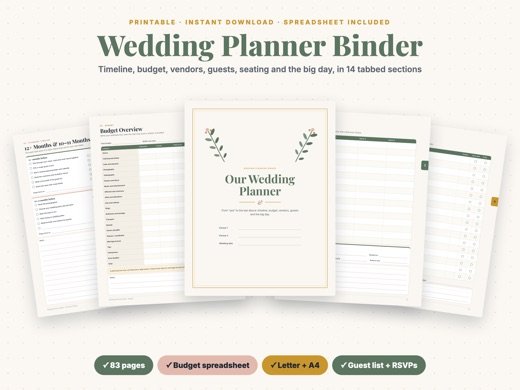
An 84-page printable wedding planner plus a 12-tab spreadsheet with dashboard, seating and budget.
See it for $19.99Step 3: List your categories
Here are 20 categories that cover most weddings. Delete the ones you don't need.
| Venue | Rings |
| Catering and drinks | Stationery and postage |
| Cake and desserts | Transport |
| Photography | Rentals (chairs, linens, tents) |
| Videography | Favors and gifts |
| Flowers and decor | Planner or coordinator |
| Music and entertainment | Marriage license |
| Officiant and ceremony | Tips |
| Attire and alterations | Honeymoon |
| Hair and makeup | Extra (buffer) |
Sample budget: $30,000 for 100 guests
This is an example to show how a budget can be split. It is not an average. Your numbers will depend on where you live, the season, the day of the week and how many guests you invite. The honeymoon is left out here because many couples budget for it separately.
| Category | Example amount | Share |
|---|---|---|
| Venue | $4,500 | 15% |
| Catering and drinks ($75 a guest) | $7,500 | 25% |
| Photography | $2,500 | 8% |
| Flowers and decor | $2,000 | 7% |
| Music and entertainment | $1,500 | 5% |
| Attire and alterations | $1,500 | 5% |
| Videography | $1,200 | 4% |
| Rings | $1,200 | 4% |
| Planner or coordinator | $1,000 | 3% |
| Cake and desserts | $600 | 2% |
| Hair and makeup | $600 | 2% |
| Stationery and postage | $600 | 2% |
| Rentals | $600 | 2% |
| Tips | $600 | 2% |
| Transport | $400 | 1% |
| Officiant and ceremony | $300 | 1% |
| Favors and gifts | $300 | 1% |
| Marriage license | $100 | 0.3% |
| Extra (buffer) | $3,000 | 10% |
| Total | $30,000 | 100% |
Shares are rounded. Notice how the venue and food together take about 40% of this example. That is why the guest count matters so much: here, 10 more guests add $750 in catering alone, before chairs, invitations and favors.
Step 4: Track deposits and due dates
Most vendors ask for a deposit to hold your date and the rest closer to the wedding. A missed payment can cost you a vendor, so give payments their own small table.
| Vendor | Deposit | Balance | Balance due |
|---|---|---|---|
| Venue (example) | $1,500 | $3,000 | 30 days before |
| Photographer (example) | $750 | $1,750 | 2 weeks before |
Read each contract for the real dates, and add a reminder to your phone calendar for each one.
Budget rules that keep you on track
- Look for hidden costs. Sales tax, service charges, cake cutting fees, delivery and setup, overtime, alterations, postage and tips are easy to forget.
- Update it every time you book. Move the number from Estimated to Actual the same day you sign.
- Do a 10-minute weekly check. Look at what's due before your next paycheck.
- Trade, don't stretch. If one category goes over, take the money from another category instead of from the buffer.
- Share it. Both of you (and anyone paying) should see the same numbers.
Need the full plan, not just the money? Our wedding planning checklist and timeline covers what to book when. New to spreadsheets? See how to use a budget template in Google Sheets.
Using a wedding budget spreadsheet in Google Sheets
A free spreadsheet app is all you need. If you have a ready-made .xlsx file, open Google Sheets, choose File > Import > Upload and pick the file. Then use the Share button to give your partner edit access. Both of you can update it from your phones.
Skip the setup with a ready-made spreadsheet
Our Wedding Planner Binder + Budget Spreadsheet ($19.99) comes with a 12-tab spreadsheet that already has the categories above plus the ones people forget, like postage, rental delivery, vendor meals, a rehearsal dinner and wedding insurance (25 in all). Enter your wedding date and total budget once on the Setup tab, and the Dashboard shows days to go, budget used, money left, RSVP counts, tasks due and your next payments. The Budget tab has base estimate, tax %, service fee %, estimated total, actual, paid and still owed columns plus a chart, and a 16-item hidden costs checklist sits right under it. There are also tabs for the guest list, seating, vendors, payment schedule, a date-driven checklist, a day-of timeline, day-of contacts, gifts and thank-yous, and a honeymoon budget with a packing list. It works in Google Sheets or any spreadsheet app, with no macros. You also get an 84-page printable planner binder in US Letter and A4.
This guide is general information to help you plan. It isn't financial advice.
Helpful resources
- MyMoney.gov: budgeting and saving basics (US government)
- Google Docs Editors Help: working with files
Try 6 printables free
A bingo card, a large-print word search, a meal plan, a chore chart, an emergency-contacts page and a practice plan. Print them tonight.